Gekko is a data company. Many users store important data with us on a daily basis. Naturally, it is crucial for us to handle this data properly. Gekko creates its own backups, so there is no need for you to do this yourself. We always comply with the latest security standards. Below is a brief explanation of how you can download your data from Gekko.
Downloading Reports
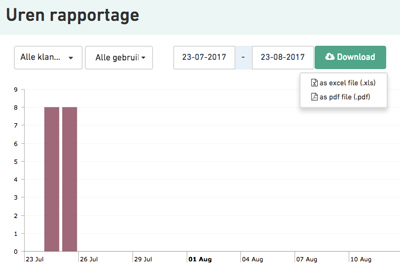
You can download yearly reports (Excel files) of all your hours, costs, trips, and invoices from the respective pages for any desired period. These datasheets can be converted into any file format you prefer.
Downloading Data
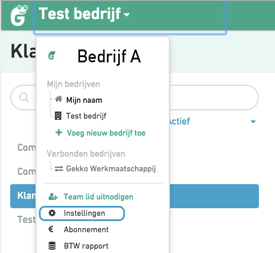
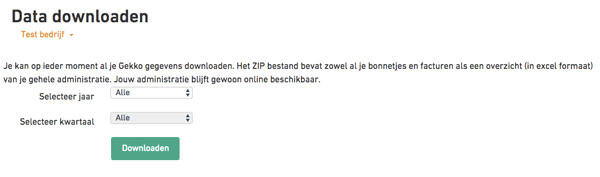
You can always download your data at any time. Please go to your personal profile and your settings, after that, click "download data". This includes attachments such as all receipts, invoices, etc. You can then upload them into another system if needed. Please note: if you are a Gekko Basic user, it thats a few minutes to download the data.
Was this article helpful?
That’s Great!
Thank you for your feedback
Sorry! We couldn't be helpful
Thank you for your feedback
Feedback sent
We appreciate your effort and will try to fix the article